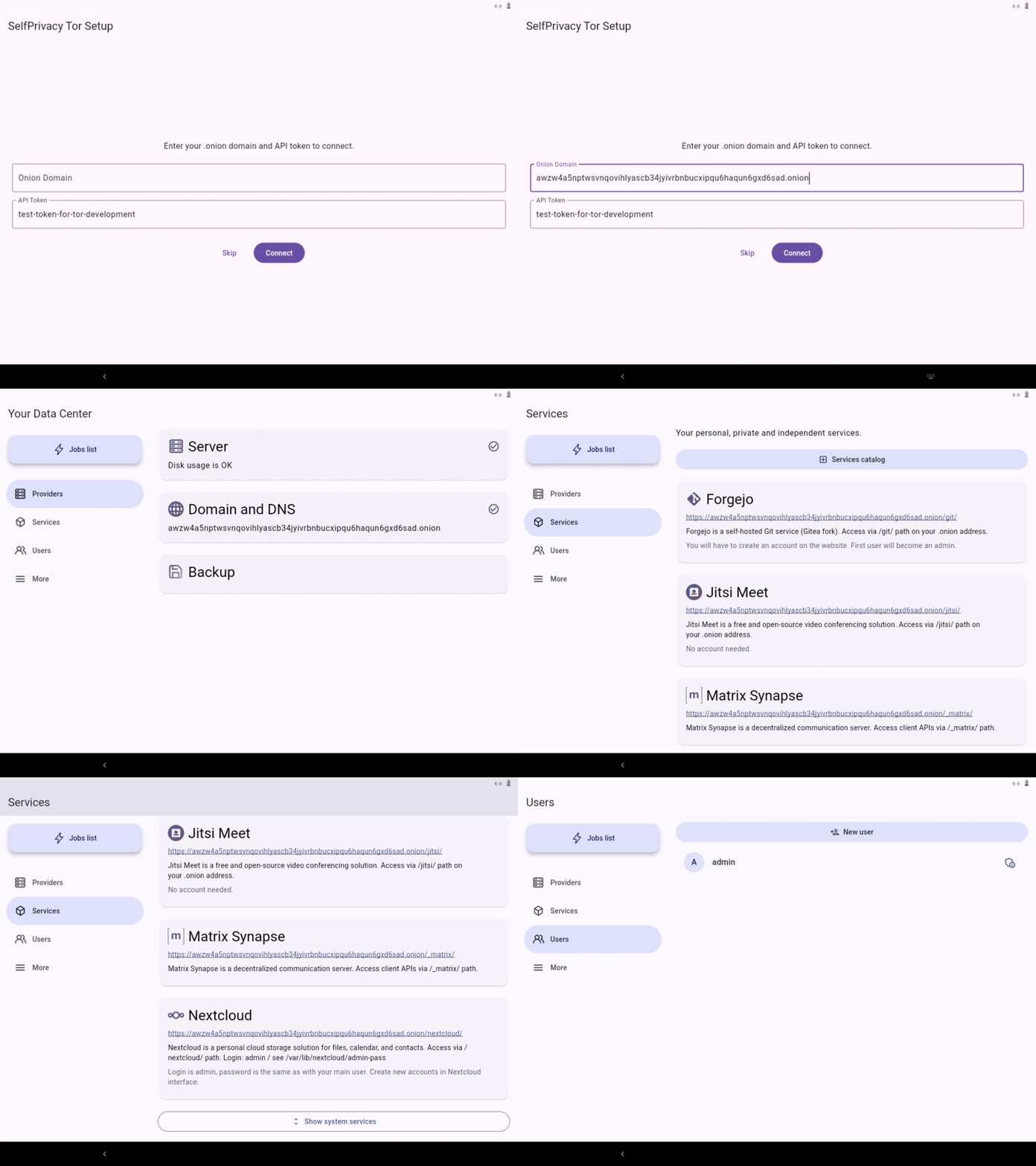
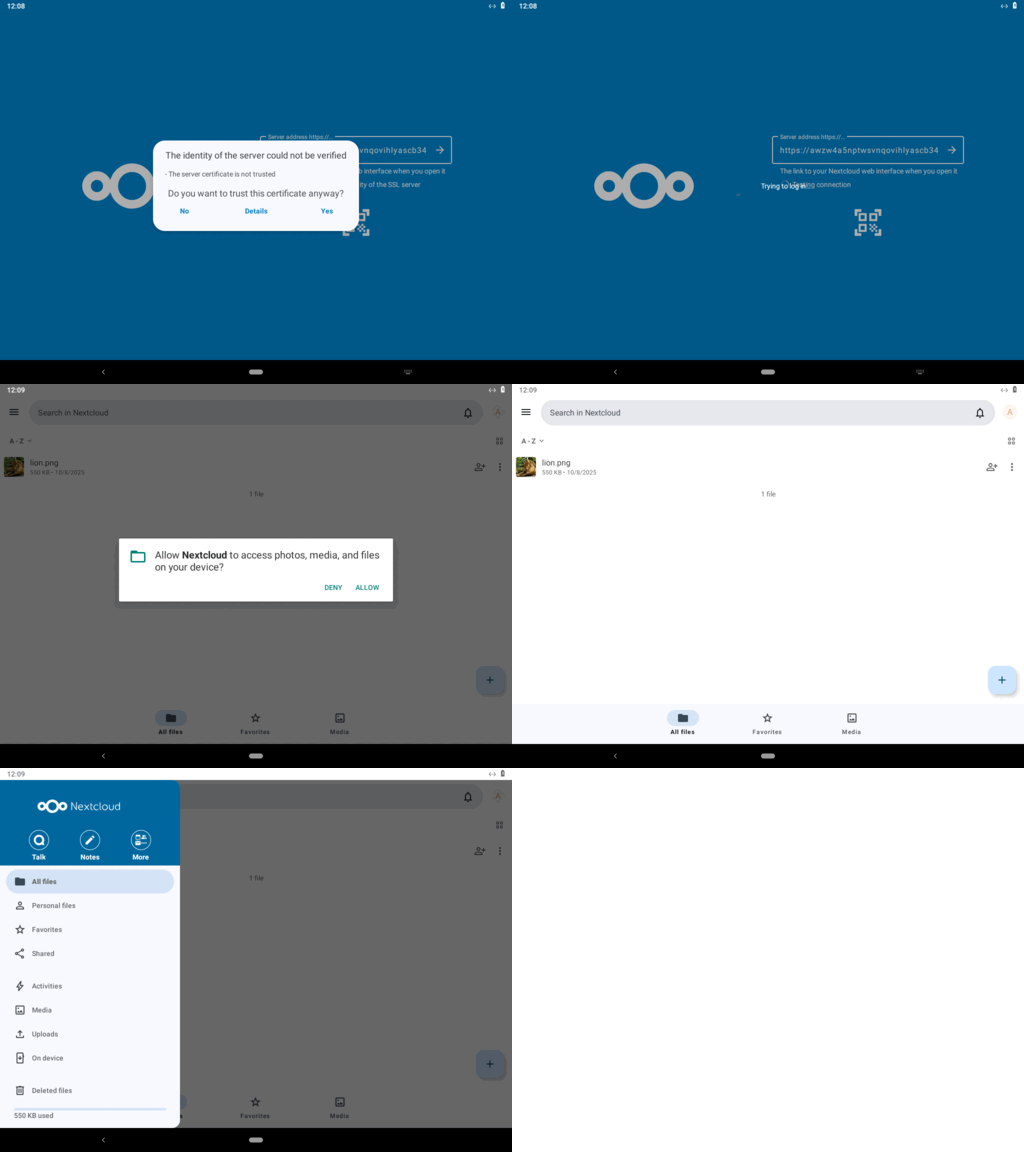
Context
while working to run self-privacy over tor, I am experiencing some difficulties deploying the selfprivacy api on a NixOs on virtualbox.
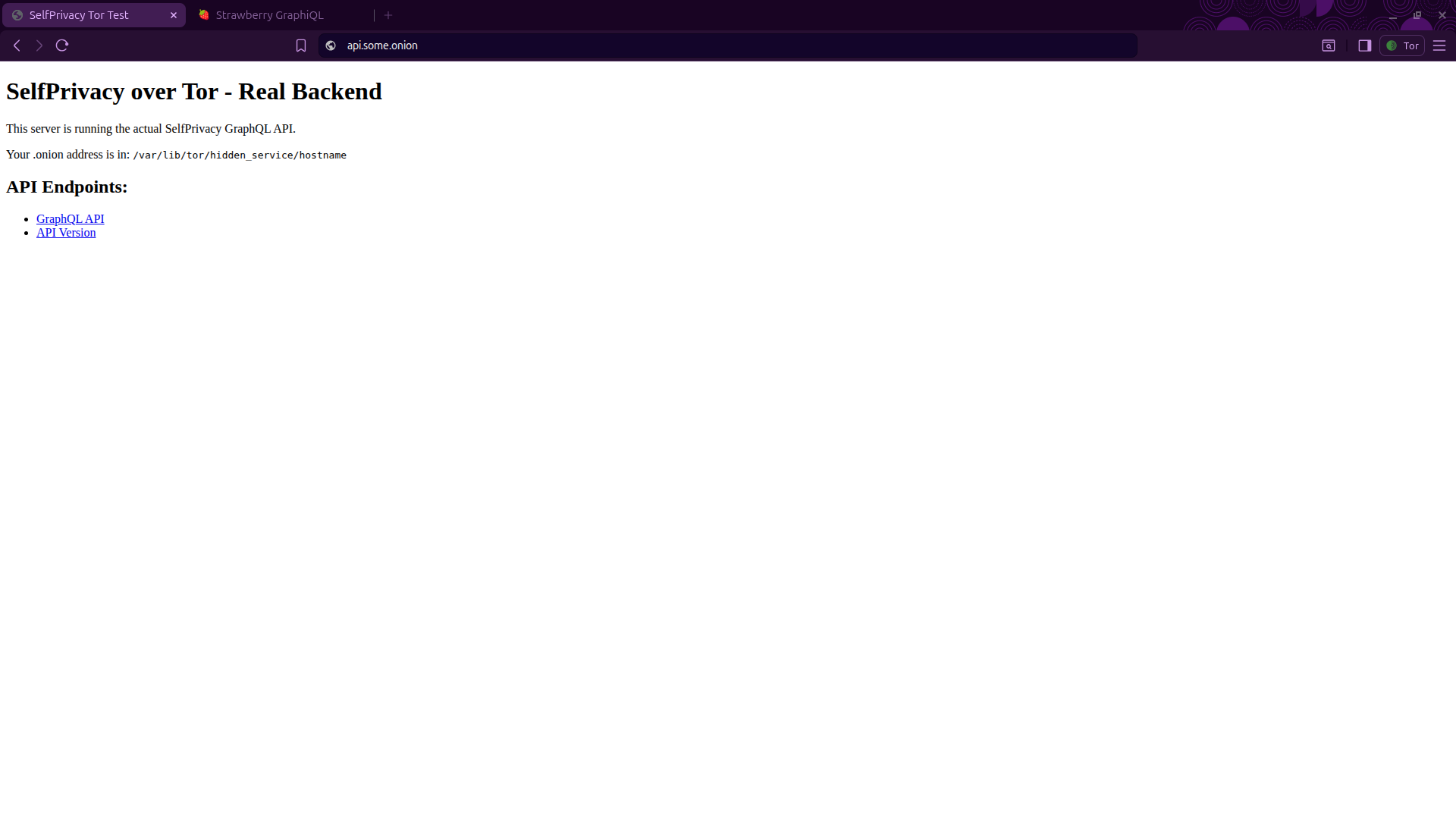
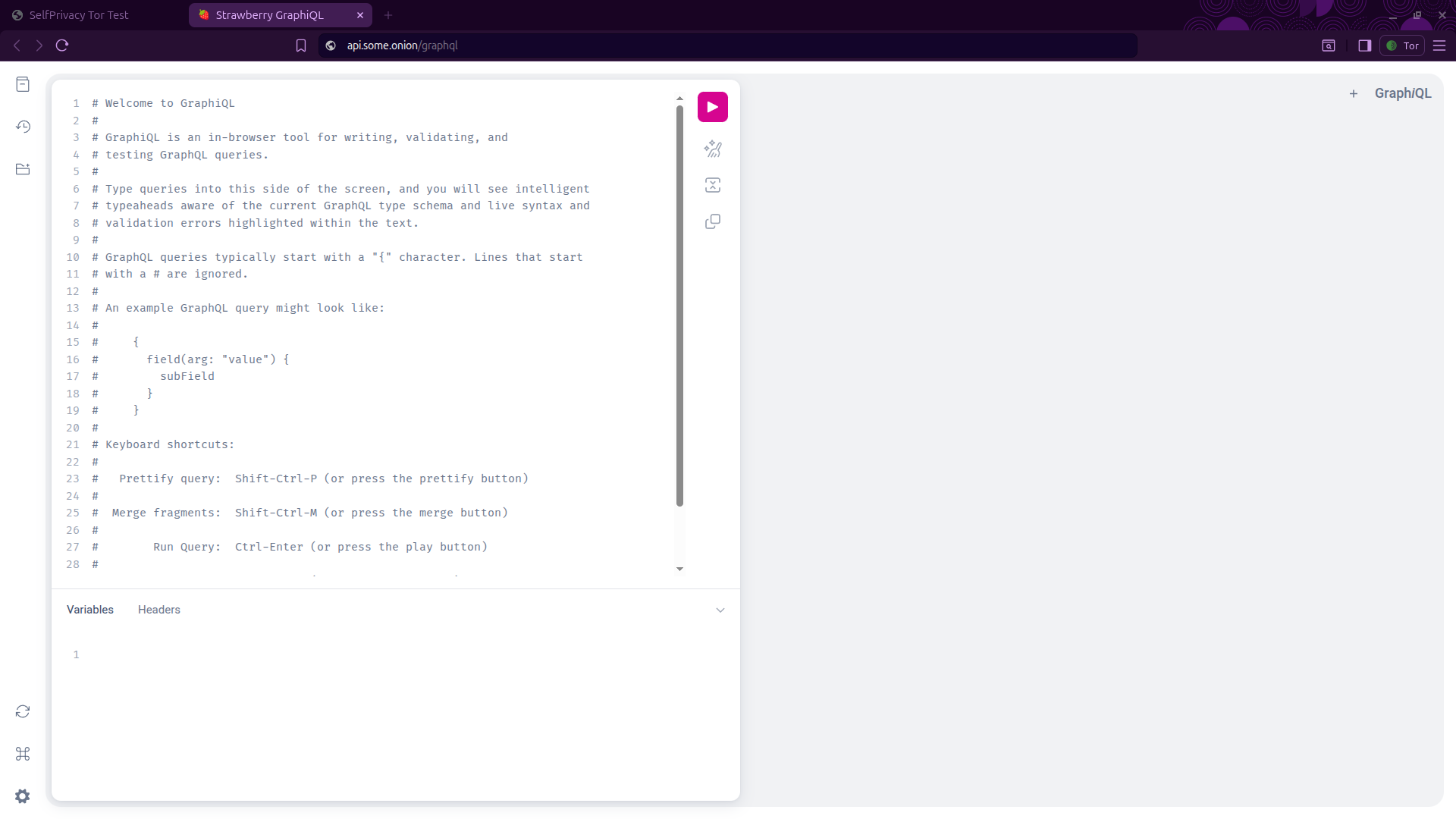
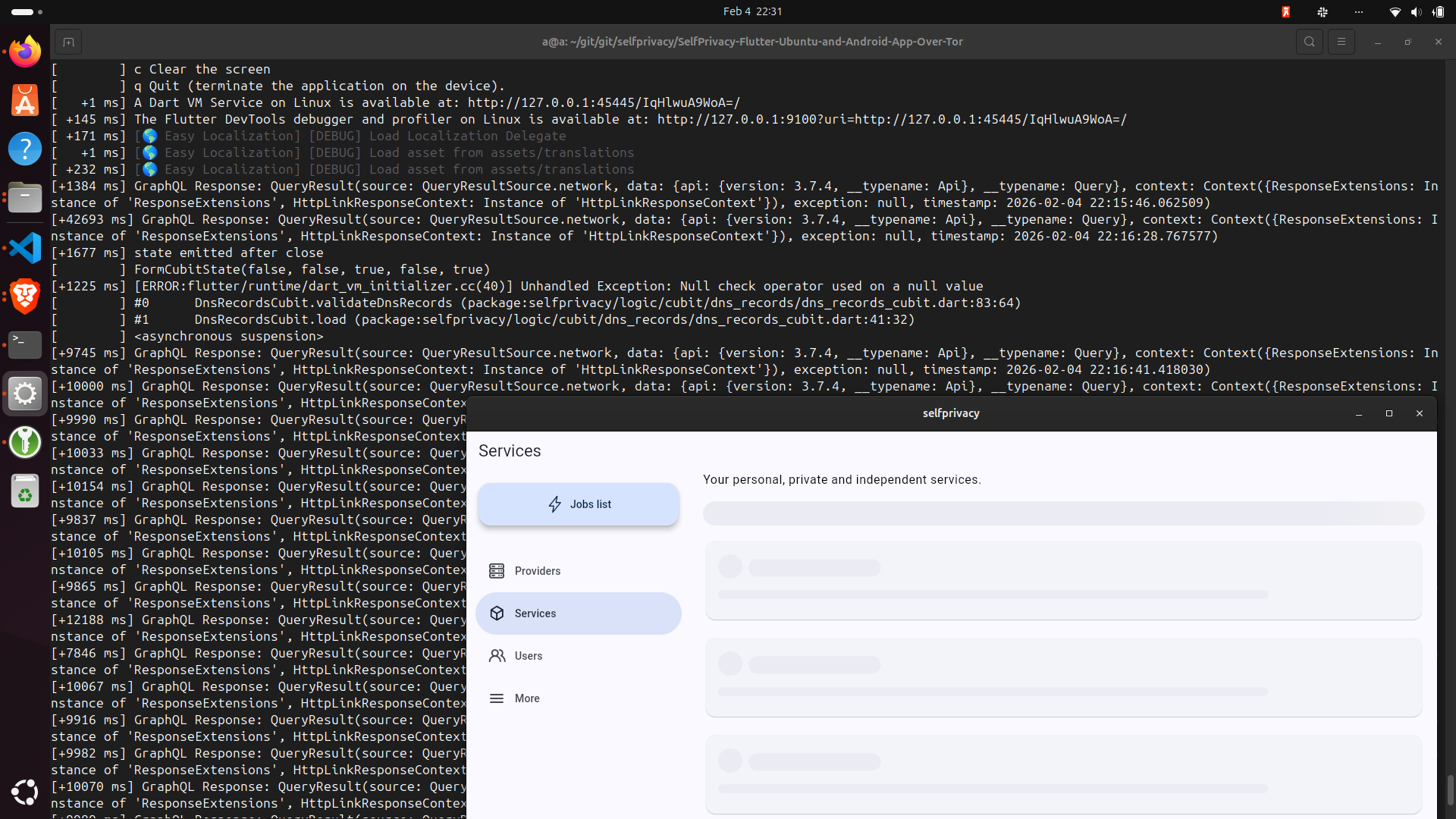
Initially I modified the linux app to recognise a mock graphql server that is served on a https localhost server (and https onion domain with self-signed certificates), however it is not the selfprivacy backend itself. Then I understood the app is not the actual backend, so tried to deploy the self-privacy api on a NixOs.
The digital ocean command seems to infect an ubuntu system with:
'name': hostName,
        'size': serverType,
        'image': 'ubuntu-24-04-x64',
        'user_data':
            '#cloud-config\n'
            'runcmd:\n'
            '- curl https://git.selfprivacy.org/SelfPrivacy/selfprivacy-nixos-infect/raw/branch/master/nixos-infect | '
            "API_TOKEN=$serverApiToken ENCODED_PASSWORD='$base64Password' "
            "DNS_PROVIDER_TOKEN=$dnsApiToken DNS_PROVIDER_TYPE=$dnsProviderType DOMAIN='$domainName' "
            "HOSTNAME=$hostName LUSER='${rootUser.login}' PROVIDER=$infectProviderName STAGING_ACME='$stagingAcme' "
            "${customSshKey != null ? "SSH_AUTHORIZED_KEY='$customSshKey'" : ""} "
            'bash 2>&1 | tee /root/nixos-infect.log',
        'region': region,
      };
      logger('Decoded data: $data');
      serverCreateResponse = await client.post('/droplets', data: data);
      dropletId = serverCreateResponse.data['droplet']['id'];
However, I thought it would be more direct to modify the NixOs backend/server directly to either deploy to localhost or to the chosen onion domain. In case localhost is chosen, a port-forward and/or torsocks/torrify may be used to map the local connections to the tor connections.
Assumptions
I assumed the following “deployment-hierarchy” is used by the self-privacy app:
SelfPrivacy/selfprivacy-nixos-template: A template for /etc/nixos contents (used by nixos-infect). Serves as a top-level NixOS configuration flake when deployed. - Forgejo: Beyond coding. We Forge. This uses the nixos-config repository (according to: his configuration is not self-contained in that config repo).
SelfPrivacy/selfprivacy-nixos-config: Immutable NixOS config - Forgejo: Beyond coding. We Forge. (Contains a configuration.nix wich is typically used in /etc/nixos/configuration.nix to configure the complete NixOS).
SelfPrivacy/selfprivacy-rest-api: SelfPrivacy GraphQL which allows app to control your server - Forgejo: Beyond coding. We Forge. I assume that is deployed by the selfprivacy-nixos-template and selfprivacy-nixos-config repositories respectively.
I do not exactly know what this is for:
This is used to convert an ubuntu droplet of digital ocean into a nixos system:
Approach
I tried to deploy the selfprivacy backend to a virtualbox NixOs system with:
# Backup hardware and original config to home dir
mkdir -p ~/backup
cp -r /etc/nixos ~/backup/
# Verify the backup generated the files:
ls ~/backup/nixos

cd /etc && sudo rm -r /etc/nixos

# overwrite the /etc/nixos dir with the selfprivacy-nixos-template repo content.
sudo git clone https://git.selfprivacy.org/SelfPrivacy/selfprivacy-nixos-template /etc/nixos
sudo chown -R swag:users /etc/nixos

 cd ~/backup/nixos

cp ~/backup/nixos/hardware-configuration.nix /etc/nixos/

# nix flake update # not needed no flakes are modified.
cd /etc/nixos
nixos-rebuild switch --flake /etc/nixos
However, that yields:
cd /etc/nixos
nixos-rebuild switch --flake /etc/nixos
warning: Git tree '/etc/nixos' is dirty
error: flake 'git+file:///etc/nixos' does not provide attribute 'packages.x86_64-linux.nixosConfigurations."nixos".config.system.build.nixos-rebuild', 'legacyPackages.x86_64-linux.nixosConfigurations."nixos".config.system.build.nixos-rebuild' or 'nixosConfigurations."nixos".config.system.build.nixos-rebuild'
So I retried with:
sudo nixos-rebuild switch --flake .#default
which yields:
warning: Git tree '/etc/nixos' is dirty
building the system configuration...
warning: Git tree '/etc/nixos' is dirty
evaluation warning: system.stateVersion is hardcoded
error:
       … while calling the 'head' builtin
         at /nix/store/j95fcik6rzsydwips4m89dmlvfj9hg9y-source/lib/attrsets.nix:1534:13:
         1533|           if length values == 1 || pred here (elemAt values 1) (head values) then
         1534|             head values
             |             ^
         1535|           else

       … while evaluating the attribute 'value'
         at /nix/store/j95fcik6rzsydwips4m89dmlvfj9hg9y-source/lib/modules.nix:1084:7:
         1083|     // {
         1084|       value = addErrorContext "while evaluating the option `${showOption loc}':" value;
             |       ^
         1085|       inherit (res.defsFinal') highestPrio;

       … while evaluating the option `system.build.toplevel':

       … while evaluating definitions from `/nix/store/j95fcik6rzsydwips4m89dmlvfj9hg9y-source/nixos/modules/system/activation/top-level.nix':

       (stack trace truncated; use '--show-trace' to show the full, detailed trace)

       error:
       Failed assertions:
       - You must set the option ‘boot.loader.grub.devices’ or 'boot.loader.grub.mirroredBoots' to make the system bootable.
Even though I included the original hardware-configuration.nix that was created by the NixOS VM in virtualbox.
- Determine what to put in boot of
/etc/nixos/hardware-configuration.nix:
ls /sys/firmware
# Yields:
# acpi devicetree dmi memmap

lsblk -f
# Yields:
#NAME   FSTYPE FSVER LABEL UUID                                 FSAVAIL FSUSE% MOUNTPOINTS
#sda
#└─sda1 ext4   1.0         7e104c63-4749-4457-8487-052c9ecda33e   20,2G    26% /nix/store
                                                                              /
which appearently implies for me it does not use efi, and I should add this in the /etc/nixos/hardware-configuration.nix:
  boot.loader.grub.enable = true;
  boot.loader.grub.device = "/dev/sda";
  boot.loader.grub.efiSupport = false;
  boot.loader.grub.useOSProber = true;
  boot.loader.efi.canTouchEfiVariables = false;
- Update the
userdata.json:
4.a Generate the password hash:
pip install passlib
generate a gen_pwd0.py file with content:
from passlib.hash import sha512_crypt

password = "your_example_password"
hashed = sha512_crypt.hash(password)
print(hashed)  # always starts with $6$
Then run the py file to generate the password hash:
python gen_pwd0.py
4.b Modify the userdata.json (and store that password hash in there and some onion domain):
{
    "dns": {
        "provider": "CLOUDFLARE",
        "useStagingACME": false
    },
    "server": {
        "provider": "localhost"
    },
    "domain": "some_onion_domain.onion",
    "hashedMasterPassword": "$6$rounds=656000$LJzzRV0Zmot3tXiU$some_long_hash/rl.89xnknslqgkYMUHlmXbflzBbTjQQ6BNkZ2kY/LaP3suR3QC79gM6fth9i1",
    "hostname": "hostnameplaceholder",
    "timezone": "Europe/Uzhgorod",
    "username": "placeholder",
    "useBinds": true,
    "sshKeys": [],
    "users": [],
    "autoUpgrade": {
        "enable": true
    },
    "workarounds": {
        "deleteNextcloudAdmin": true
    },
    "postgresql": {
        "location": "/var/lib/postgresql"
    },
    "modules": {
        "bitwarden": {
            "enable": false,
            "location": "SDA",
            "subdomain": "password"
        },
        "gitea": {
            "enableSso": true,
            "enable": false,
            "location": "SDA",
            "subdomain": "git"
        },
        "nextcloud": {
            "enableSso": true,
            "enable": true,
            "location": "SDA",
            "subdomain": "cloud"
        },
        "roundcube": {
            "enable": false,
            "enableSso": true
        },
        "simple-nixos-mailserver": {
            "enable": true,
            "location": "SDA"
        },
        "monitoring": {
            "enable": true,
            "location": "SDA"
        }
    }
}
4.c Copy userdata1.json into /etc/nixos/userdata.json
4.d Reconfigure the nixos with:
rm flake.lock
nix flake update --extra-experimental-features 'nix-command flakes'
sudo nixos-rebuild switch --flake .#default
Then does not fail, but some how ends up with a black screen and 15min+ blinking cursor. After a forced reboot, I get into the shell and can login with the password from the python file, so it at least applied the package.
Errors
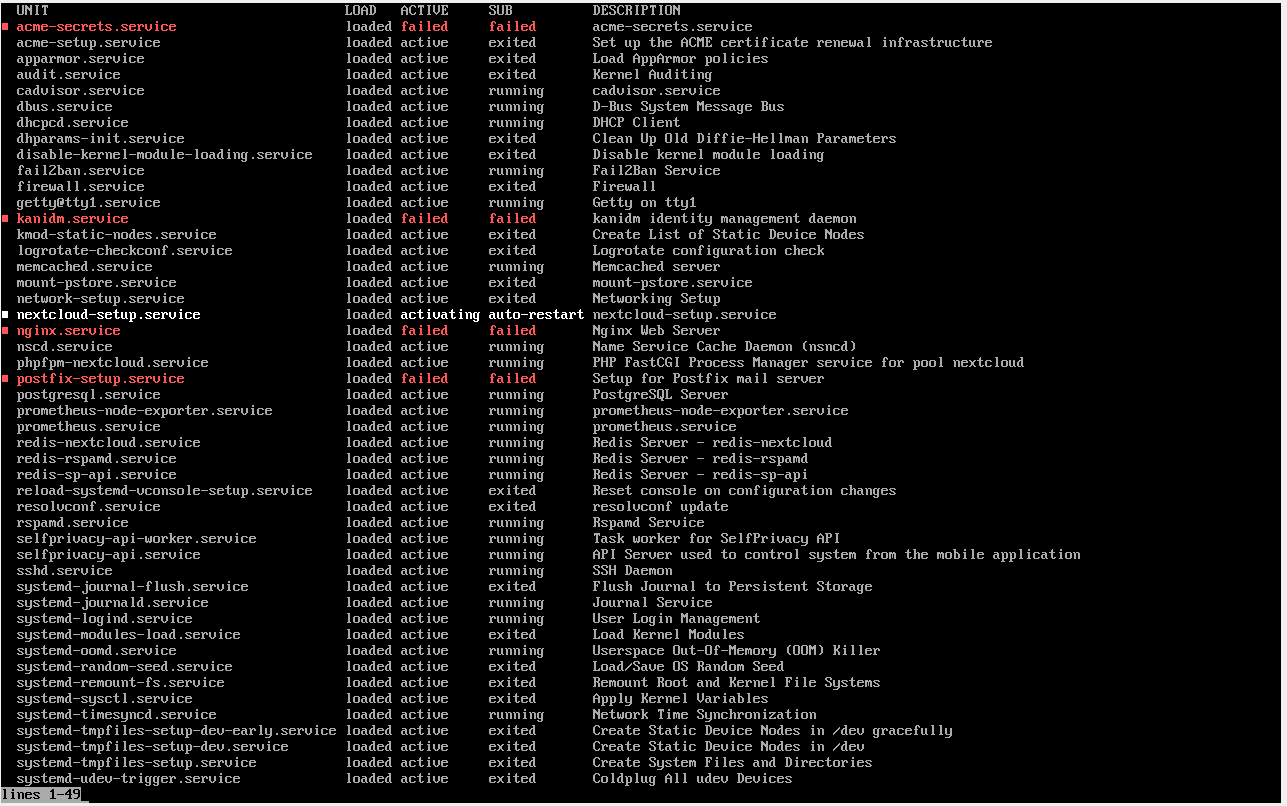
To inspect if it worked/how it failed:
systemctl list-units --type=service --state=running
yields:
systemctl status nginx
systemctl status postfix-setup
systemctl status acme-secrets
systemctl status nextcloud-post-setup
failed.
Question
- How would you advice I approach running selfprivacy over tor?
- would it be better to modify the infect-strategy instead?
If it perhaps is effective to directly modify theselfprivacy-nixos-template(anduserdata.json); - do you have any pointers on how I could proceed with the modifications (e.g. the dns provider is not needed for the tor setup)?